
Comments provide a vital communication channel for discussing approval requests before making final decisions. Whether you need clarification on request details, want to consult with other approvers, or need to communicate with the SPRCHRGR team about missing documentation, the commenting system keeps all conversation centralized and attached to the approval request for complete context and accountability.
Unlike the decision-specific comment field that appears when you approve or deny a request (which becomes part of the final notification to the requestor), standard comments are designed for ongoing collaboration while the request is still pending. You can use comments to ask questions, highlight concerns, request additional information, or coordinate with other team members before taking action. The system gives you flexible notification options—you can alert all assigned approvers, notify the original requestor who submitted the request, copy yourself for your records, or any combination of these. This ensures the right people are brought into the conversation without spamming everyone unnecessarily.
Comments you've written can be voided if you need to retract or correct something, but only while the request remains in Pending status. Once a final approve or deny decision is made, all comments become locked and read-only to preserve the complete audit trail. This ensures accountability and provides a permanent record of all discussions that informed the final decision. Remember: adding comments alone does not change the request status—the approval request remains pending until someone takes a definitive approve or deny action, so use comments freely to gather the information you need to make confident, informed decisions.
You can find the Comments Section by scrolling down the right hand side of an individual Approval Request Details Page.
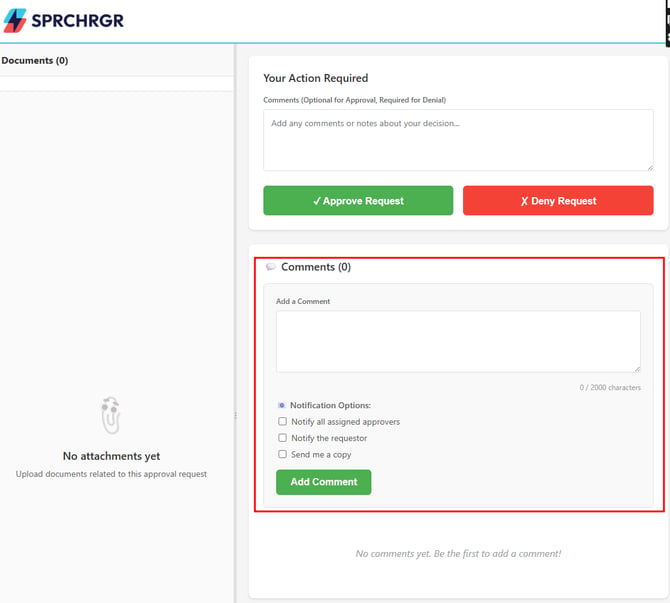
When adding a comment, you can choose from a few notification options:
- Notify all assigned approvers
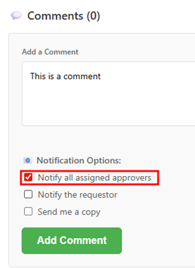
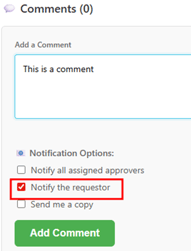
- Notify the original requester (your team member or the SPRCHRGR team, depending on who submitted the request)
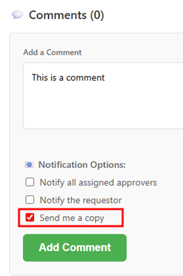
- CC yourself on the comment
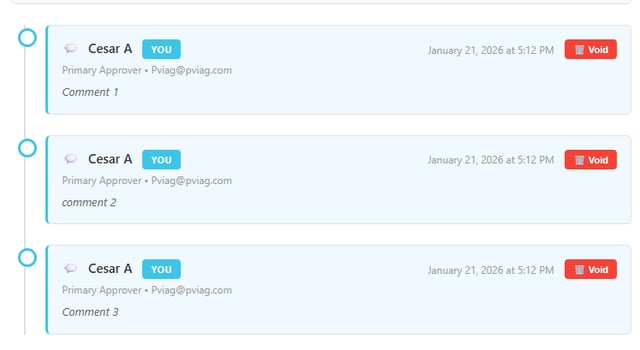
Comments will appear in the comments list directly below the comment entry field. If the Request is still in the Pending status, comments left by yourself can be Voided by clicking the Void button.
Important:
When comments are left without an approval/denial, the request remains in Pending status until a final decision is made.
Questions? Contact Us