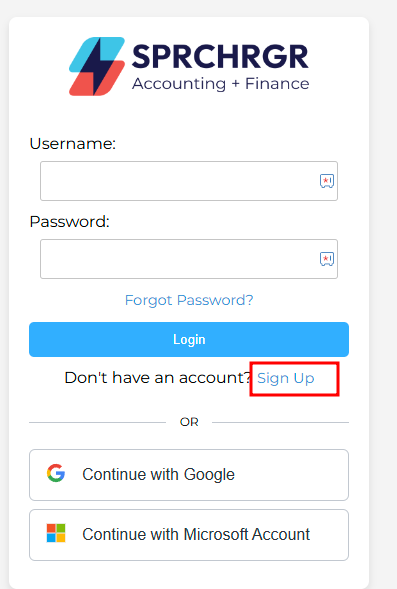
1. First, navigate to our webpage: https://sprchrgr.app/Account/Login
2. Select 'Sign Up'
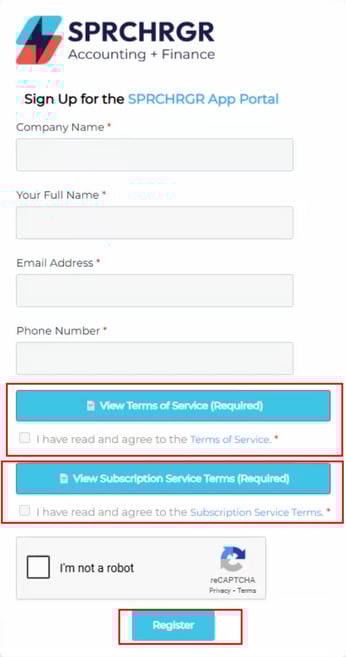
3. Enter the information on-screen, and read the Terms of Service, check both boxes select 'Register':
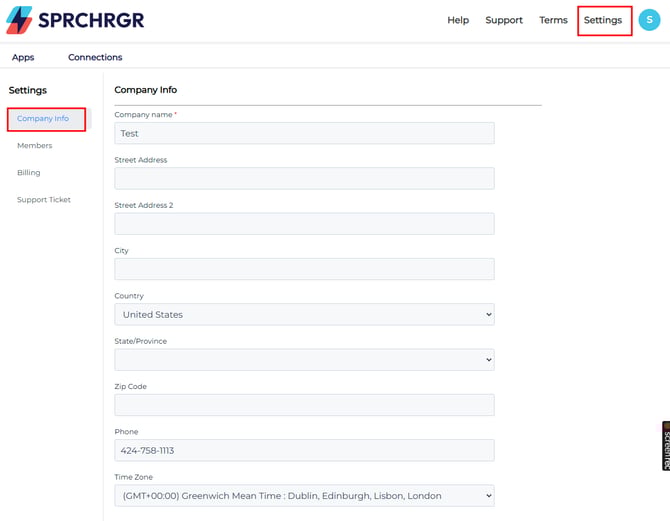
4. Verify that your company has been added by going to 'Settings' > 'Company Info':